The Soundbase
Updated 7/20/2026
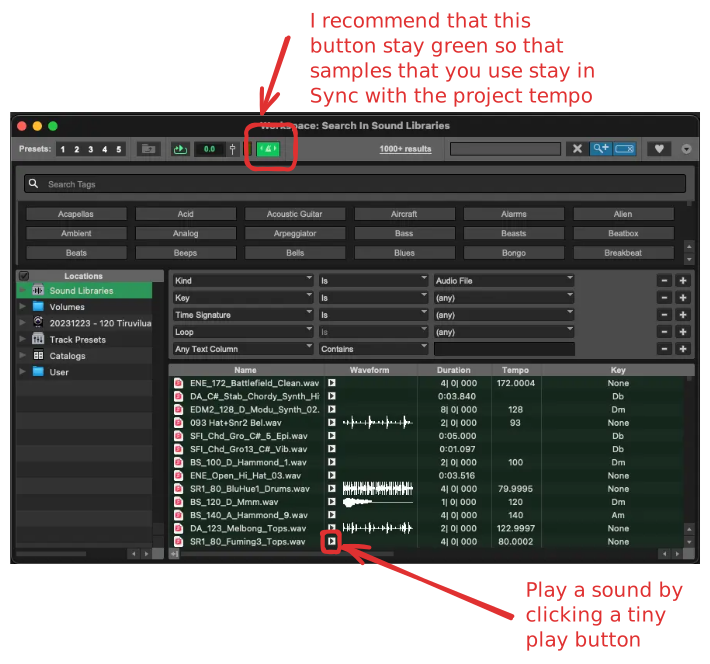
The Soundbase is an interface in which you can access all of the sounds that come with ProTools, as well as any other sounds that are on your computer. Think about it like Windows Explorer on Windows or Finder on Mac.
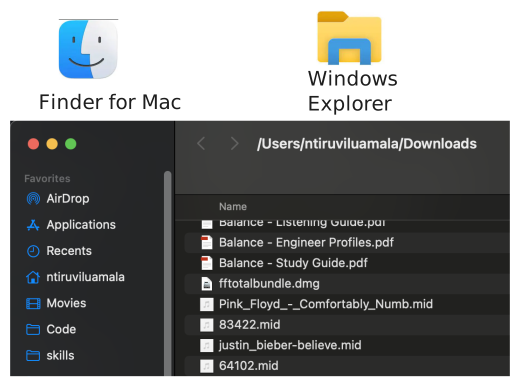
It's just a convenient way to access sounds if you're within ProTools.
Opening the Soundbase
The Soundbase menu can be found in Window > Workspaces > Soundbase
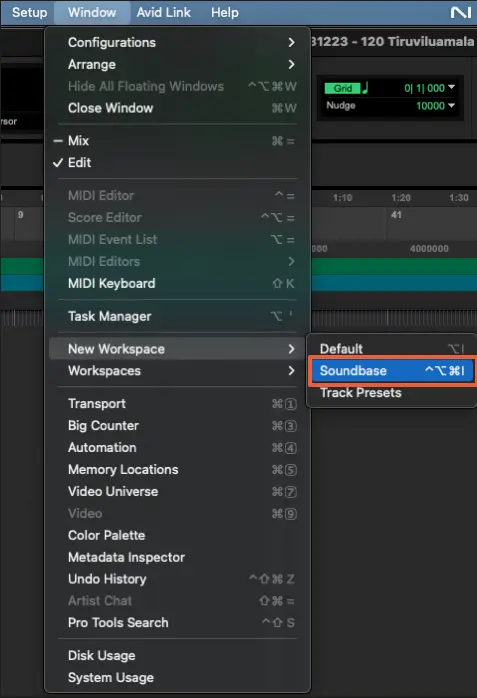
The Soundbase will open and an interface will open that looks like this: