Locating our Audio Export
Updated 7/20/2026
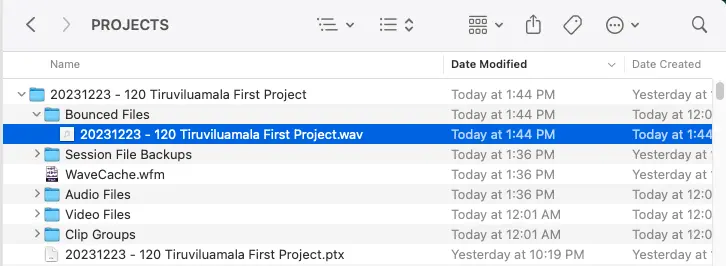
Once we've exported our file, we can find it in our project directory. Recall when we Created Our ProTools Project how I advised you to save your ProTools project within a sensible and easy to find directory. Return to that directory to find our project folder, and within it we will see a "Bounced Files" directory within it, complete with our export! See screenshot below.
Congratulations! You've exported your first audio file from ProTools!