Creating Your Own Session Setup Sheet
To create your own session setup sheet, navigate to google drive, and select the "Shared Drive" icon on the left hand of the screen, and then open up the RAT Sessions directory.
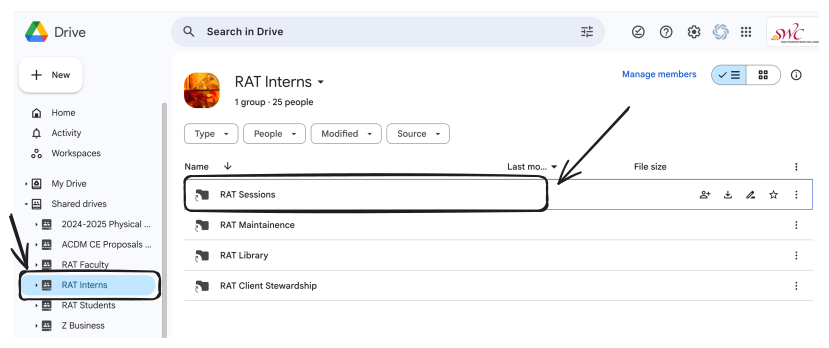
Within this directory, create a new folder with the YYYYMMDD - Class Number Session Description format that you can observe through out the directory. For example:
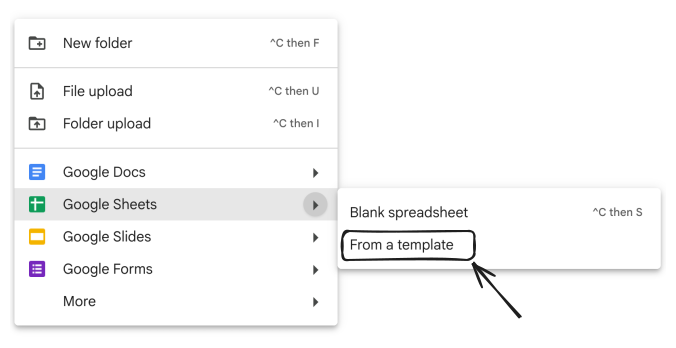
Within the directory that you created, right click within the folder and select Google Sheets > From a template
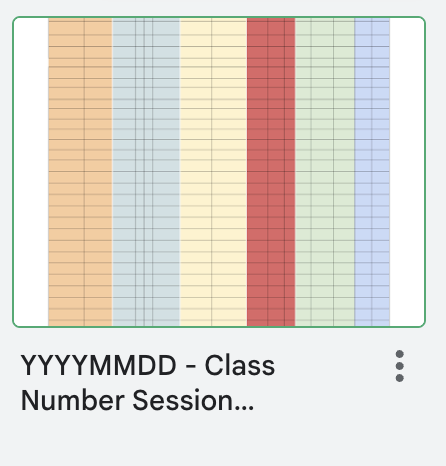
Select the template below, and rename the session setup sheet with the same naming convention that you called your folder, with the addition SESSION SETUP