Timeline vs Edit Selection
You have two methods to choose a time range within ProTools: you can either opt for the timeline selection or the edit selection.
The Timeline Selection
The Timeline selection lets you define the playback area. When no time is selected in the timeline, the red arrow inside the timeline selection indicates the starting point for playback.
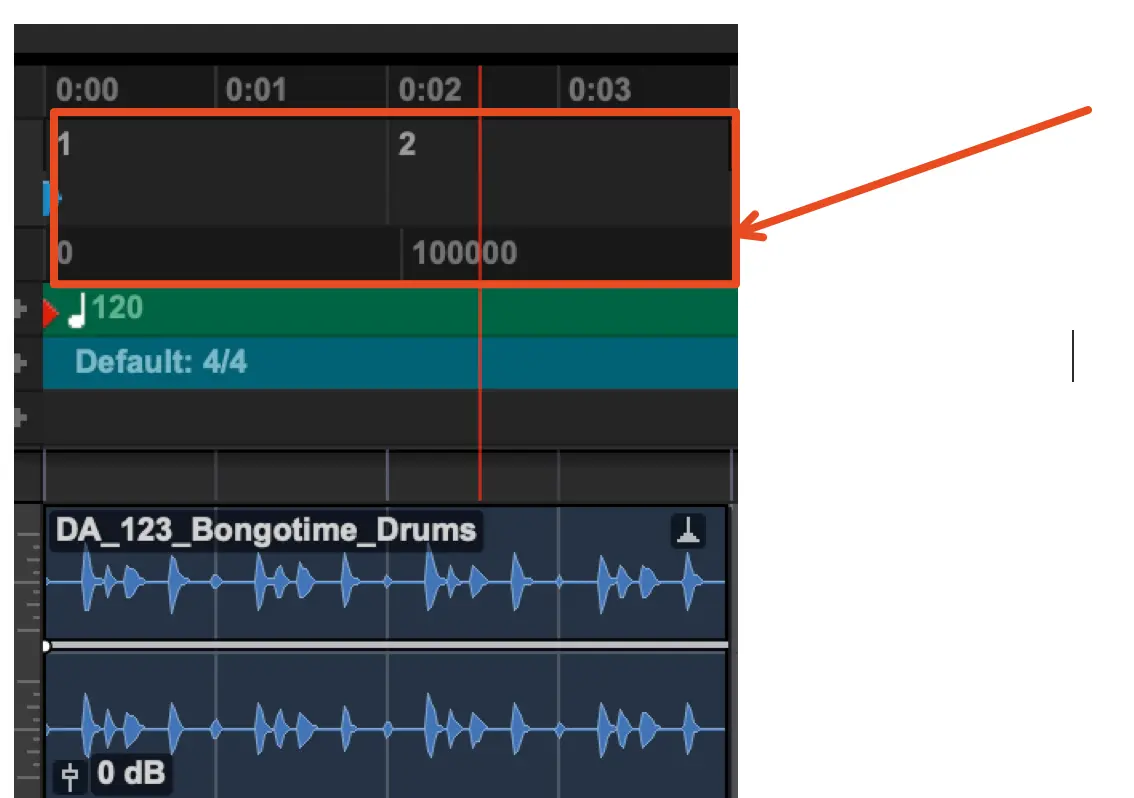
The Edit Selection
The term "edit selection" refers to the process of choosing a specific time interval within the editable region of our ProTools project timeline.
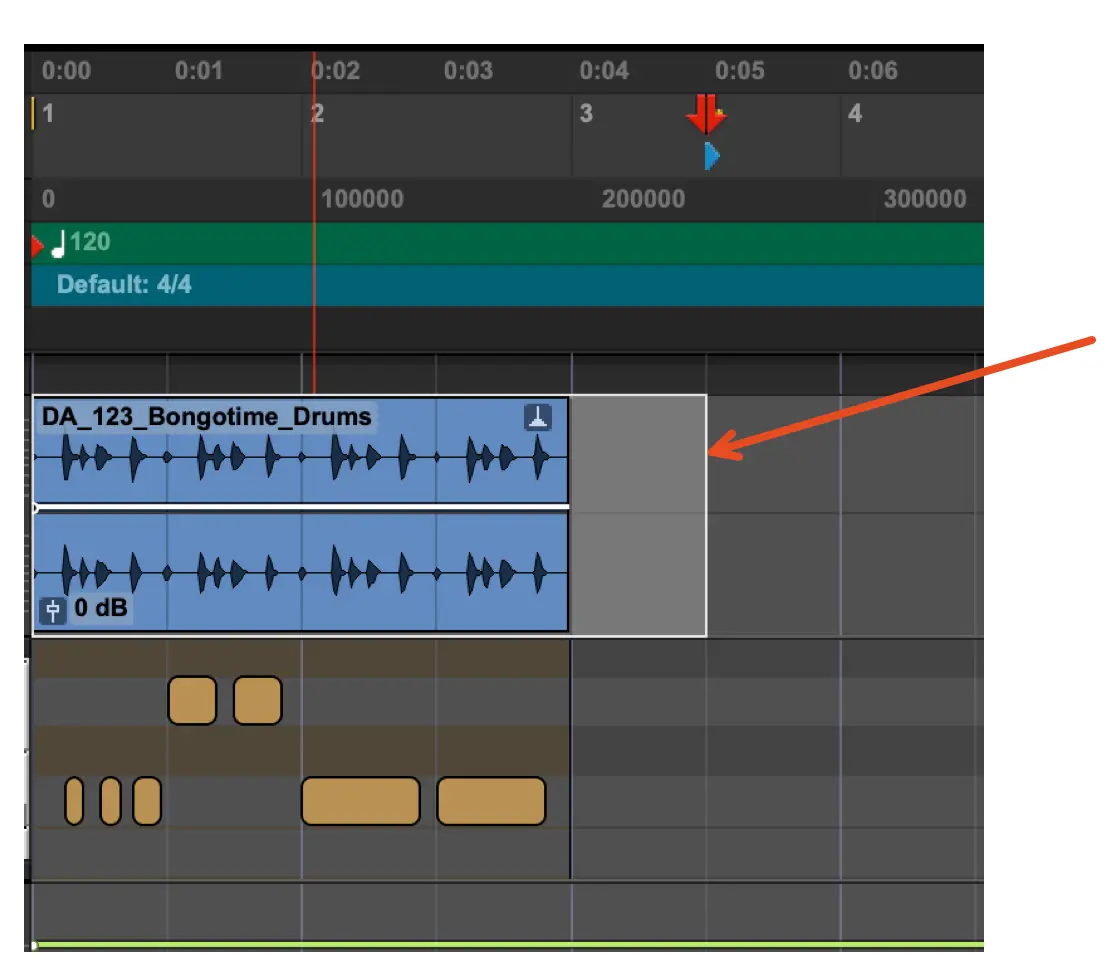
Linking Timeline and Edit Selection
You can configure ProTools to operate in such a way that altering the edit selection will cause the timeline selection to match it and vice versa. This is called "Linking Timeline and Edit Selection."
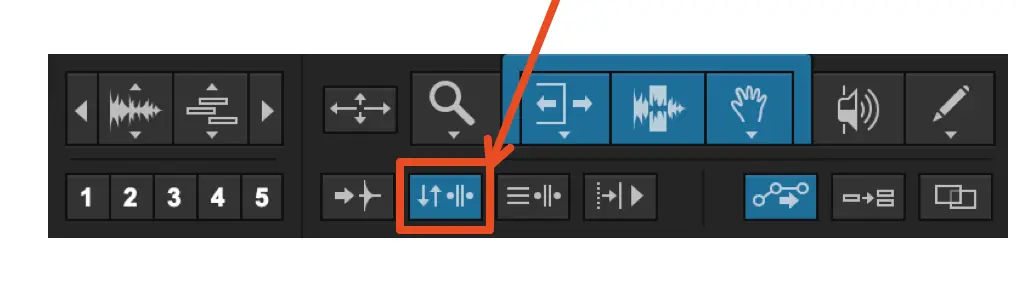
Watch the video below to observe how selecting the timeline also affects the edit selection, and vice versa.
Looping Playback
To set the playback mode in the transport to loop the selected timeline section, watch the video below.