IO Settings
Updated 7/20/2026
Occasionally we want to assign a different output to every track, but we aren't allowed to for some reason. For instance, in the picture below, all the tracks have a different output, allowing them to be routed to individual channels on the console for mixing.
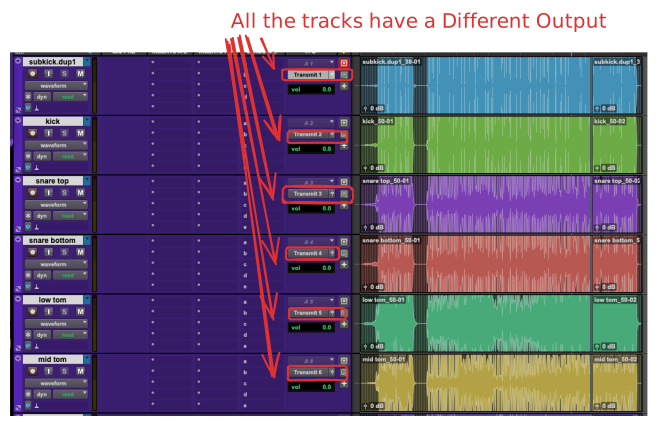
Occasionally though, we'll run into problems where we can't assign an Output correctly, even when we use the Cascading Inputs and Outputs in ProTools command. The problem lies in incorrect I/O settings. One solution is to Defaulting IO in ProTools. This should allow us to get where we want to. In case it's easier to understand via video see video below.