Selecting a Channel
Updated 7/20/2026
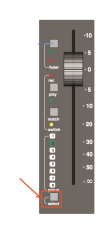
There are two ways you can select a channel. You can either use the bottom most select button beneath the fader, or you can navigate through channels using the plus and minus sections on the central routing panel once you've activated it.
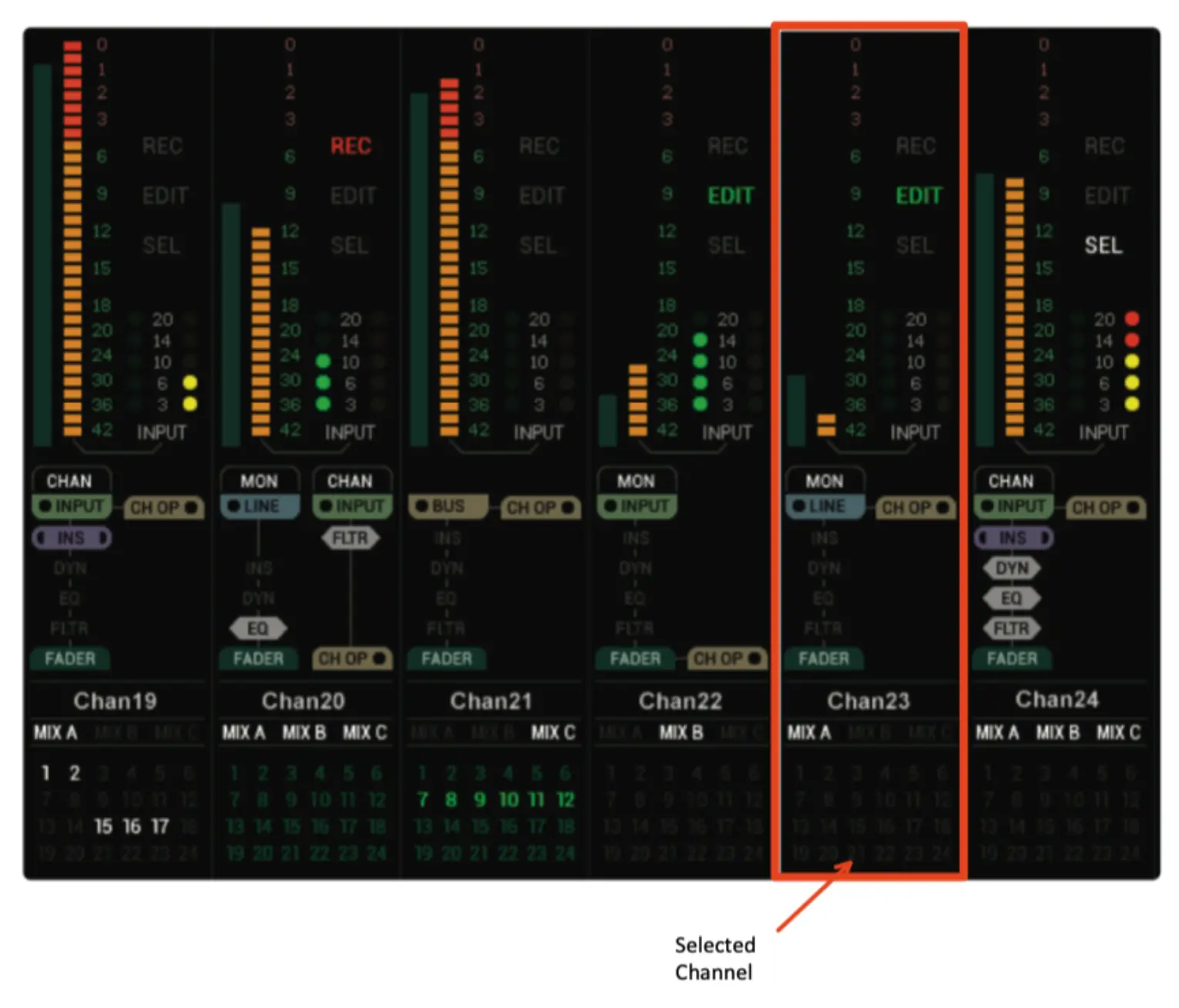
When you have successfully selected a channel, an outline will appear around the channel's TFT screen to indicate that channel has been selected. See image below: