Spotlight
Updated 7/20/2026
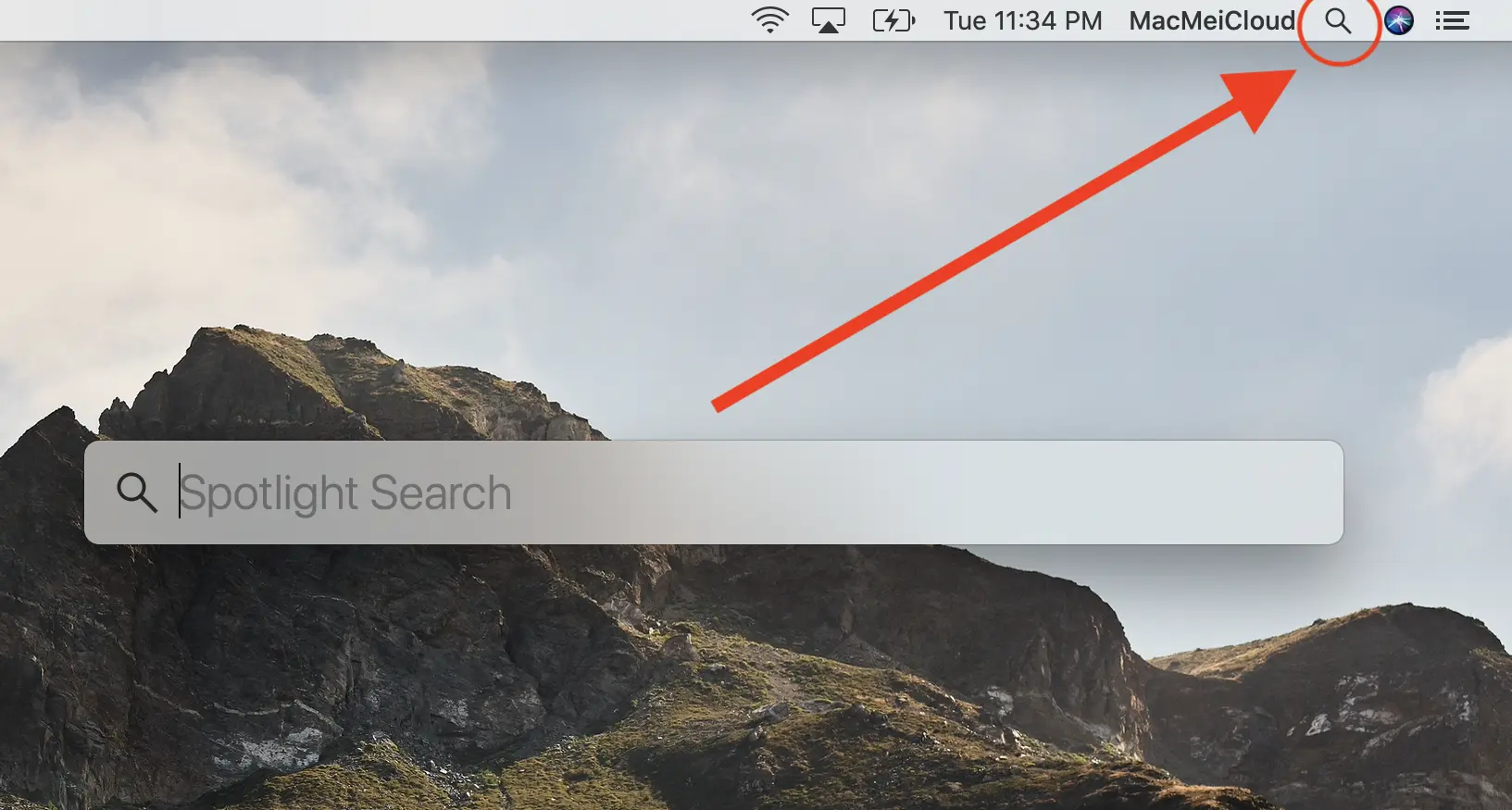
Spotlight is fantastic because it lets you locate files and applications rapidly without having to navigate through the entire file system. Windows users might rely on Windows Explorer, while Mac users used to have Finder for this purpose. Spotlight's quick retrieval capability is similar to using the Windows Key on Windows to bring up the search bar; on a Mac, you simply press Command + Spacebar to access Spotlight. Using the key command is the same as selecting the magnifying glass option shown in the image.
For those wanting to enhance their Spotlight workflow even further, tools like Raycast can be a great choice.