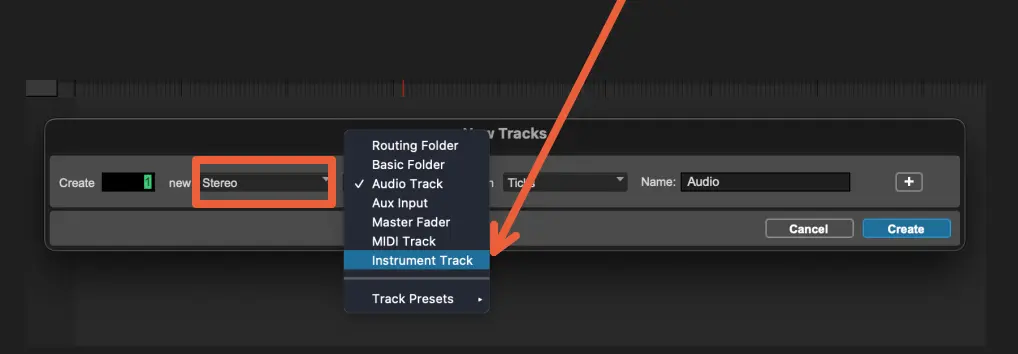
Creating an Instrument Track
Sheet Music Without an Instrument Is Useless!
Remember, MIDI data is very high-level information that our ears can't process directly. We need to use it as instructions to produce audio data, much like how sheet music helps a piano or another instrument come to life. On its own, MIDI is just control data, serving as a blueprint for creating actual sounds.

In order to make use of our MIDI devices for producing sounds live within ProTools, the initial step involves configuring an Instrument Track. This track is designed to receive MIDI input from our keyboards and produce audio in accordance with the sounds generated by a virtual instrument assigned to that track.
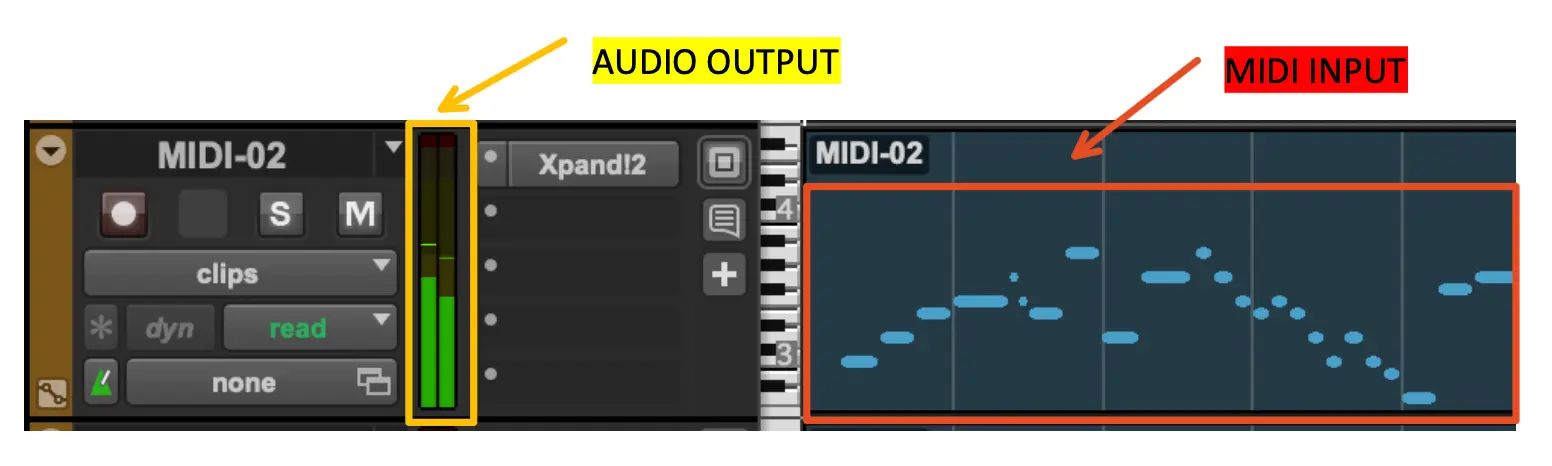
Creating an Instrument Track
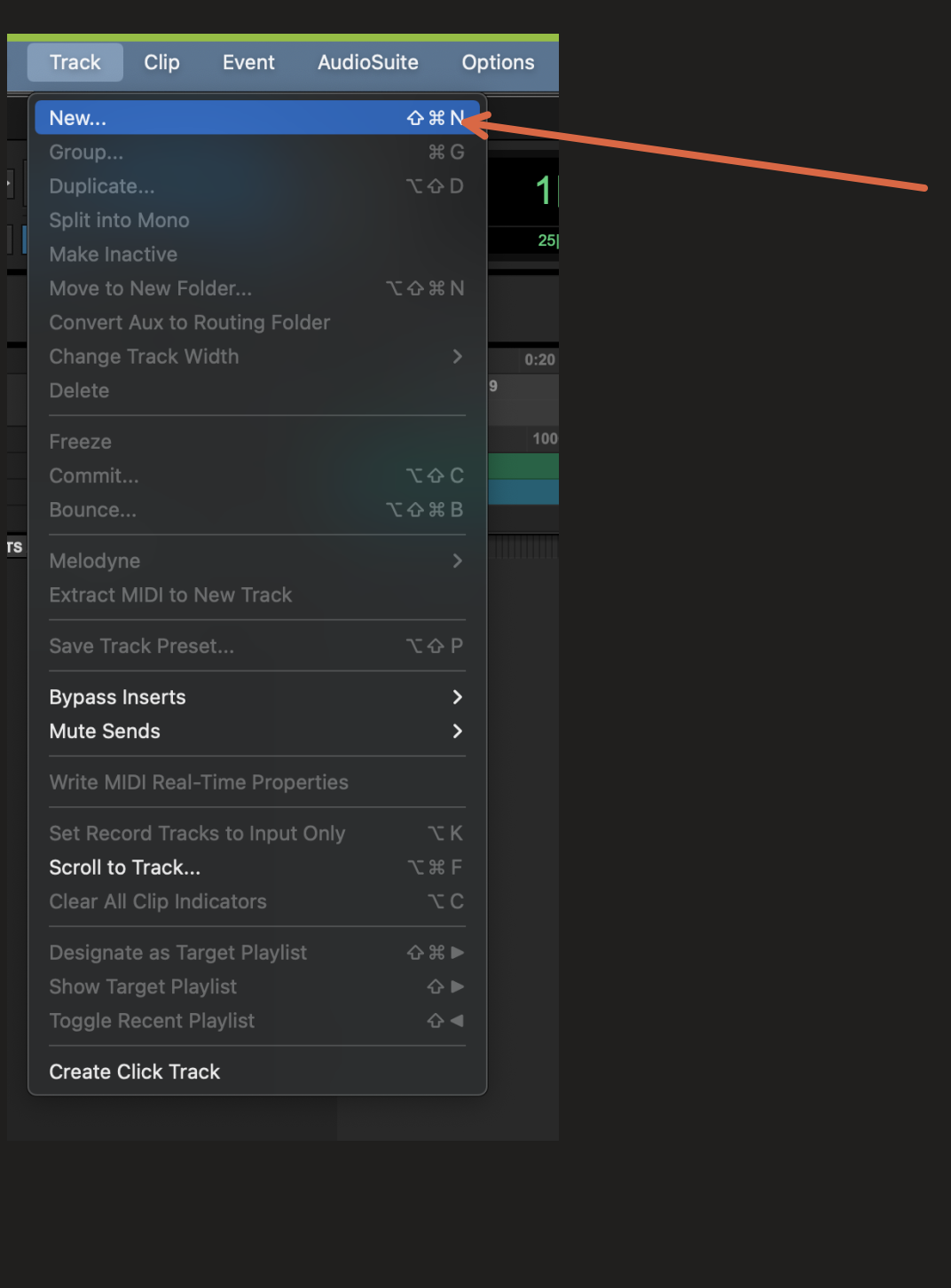
The first thing we need to do is to navigate to Track, New...
A menu will now appear. Please go ahead and select "Stereo Instrument Track."