Spaces
Updated 7/20/2026
Spaces is great for organizing your workflow across separate desktops.
Accessing Spaces
To access it, press Control and the up arrow, revealing a view of your current spaces.
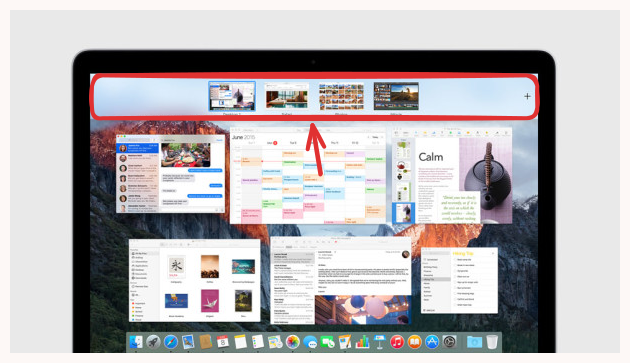
Creating New Spaces
Here's a closer look at Spaces and the functionality you can access at the top of the screen
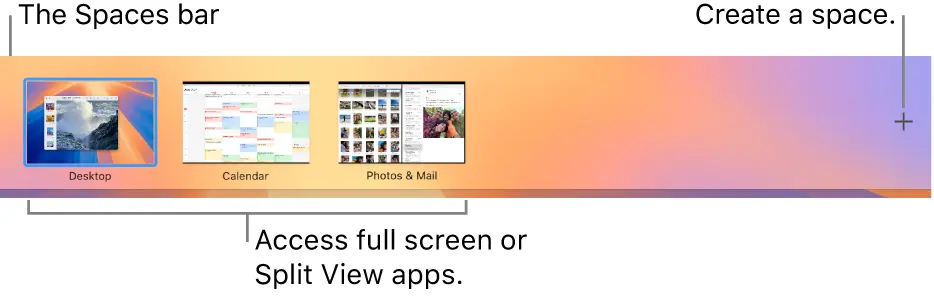
Moving Applications to Specific Spaces
Click and drag the applications you'd like to move to specific spaces.
Changing Spaces
Press Control + Right Arrow or Control + Left Arrow to switch between spaces.