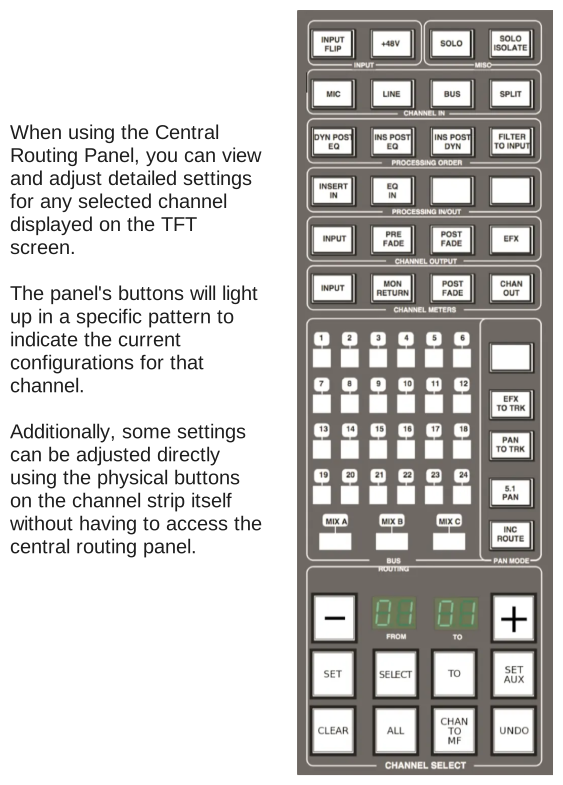
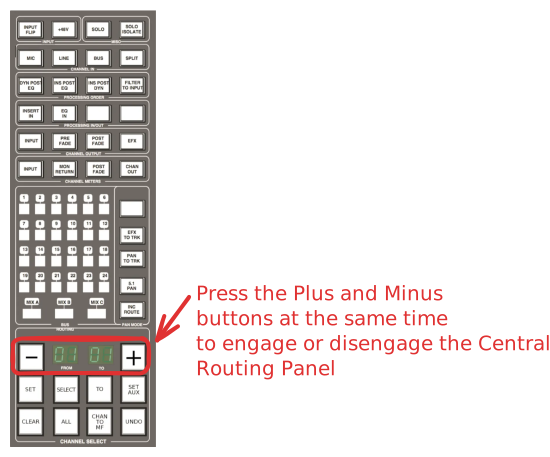
The Central Routing PanelStudio GuidesStudio ASSL Duality - Getting StartedThe Central Routing PanelUpdated 7/20/2026The Central Routing Panel Engaging the Central Routing Panel SSL Duality - Central Routing Panel - Engage and Disengage To activate the Central Routing Panel, you can either press the plus and minus keys on the panel itself or use the select button located beneath the fader for that channel.