Midi Input
You can use a MIDI input device to record MIDI data onto your computer. This method is particularly useful for musicians who have experience playing an instrument and want to use a piano keyboard controller or other device to input the MIDI data they play. This allows for precise control over the performance and the ability to edit and manipulate the recorded MIDI data easily.
Computer Midi Keyboard
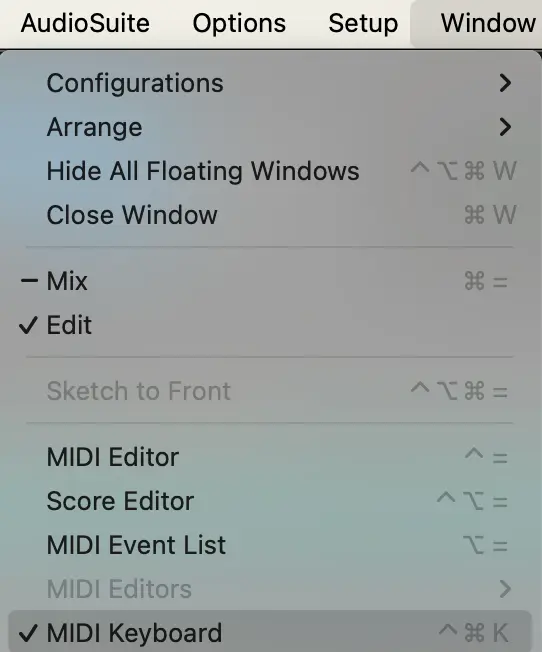
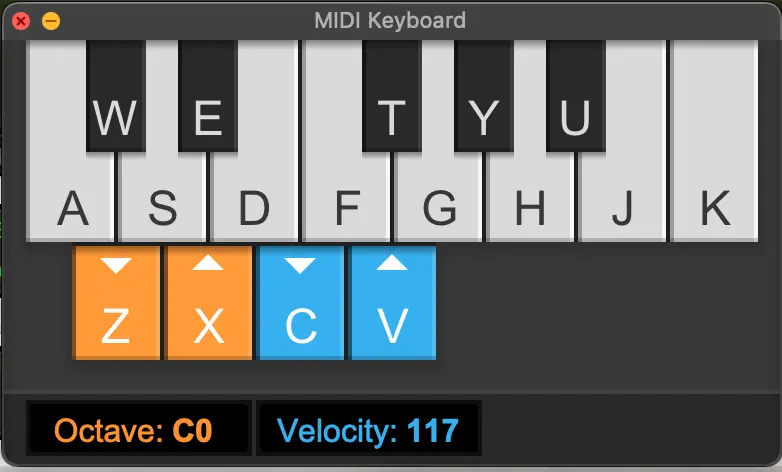
You can also use your computer keyboard as a MIDI input device by enabling the computer MIDI keyboard feature. In this setup, your computer keys serve as MIDI input, allowing you to play an instrument directly from your keyboard. This is a convenient option for those who do not have a dedicated MIDI controller.
The menu option to access the computer midi keyboard.
The computer midi keyboard.
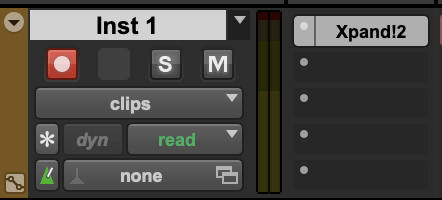
Record-Enable Instrument Track
Enabling the recording on the instrument track allows you to monitor (hear) the audio signal of what you are playing. It is also a necessary step for recording the MIDI data.